Multi-user secrets vaults
with role-based access.

Vault roles
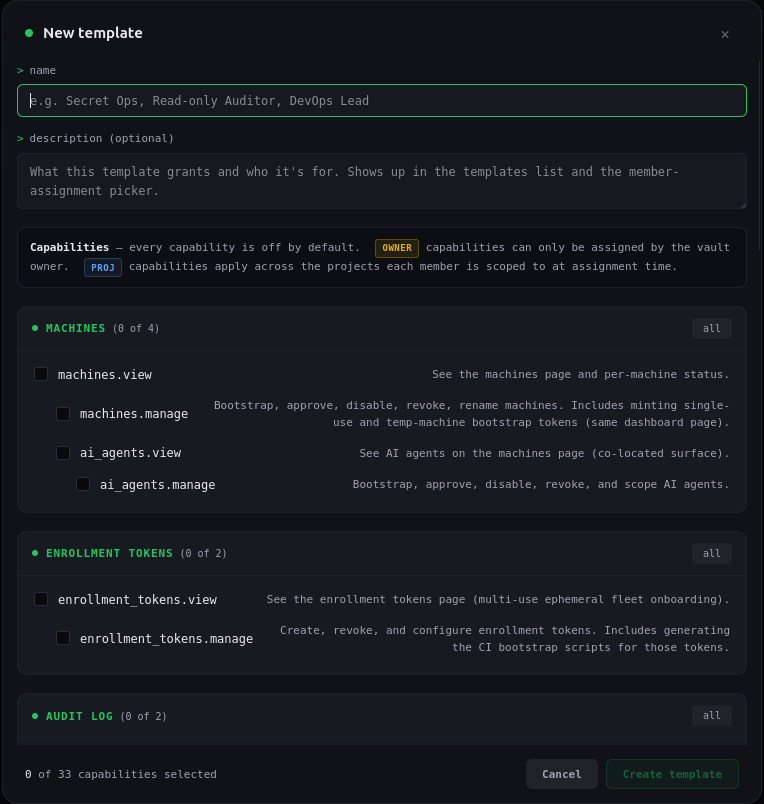
A vault role sets what a member can do across the vault: manage machines and AI agents, read the audit log, configure alerts, manage the IP allowlist, invite teammates, and manage billing. Four built-in roles cover the common cases, Owner, Admin, Developer, and Collaborator. On enterprise plans you can author custom roles cell by cell. Every member holds one vault role.
Access roles
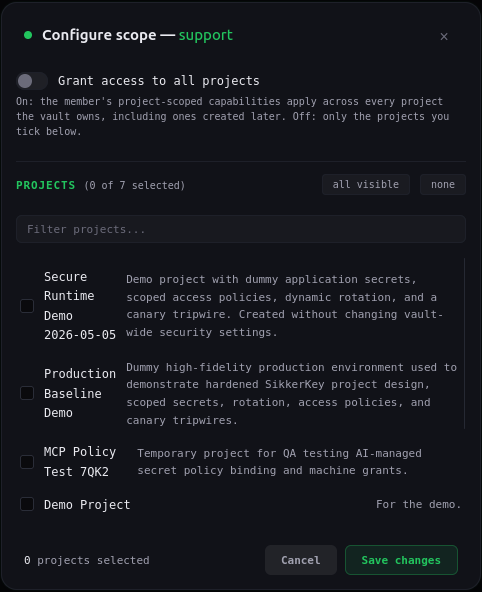
An access role sets which applications and projects a member can open, and what they can do in each: manage secrets by type, attach and remove machines, and author access policies. Scope it to everything, to whole applications, or to specific projects, with per-environment overrides. When a project is in scope, every capability is on by default; turn off the ones you don't need. Every member holds one access role, or none.
Switching vaults
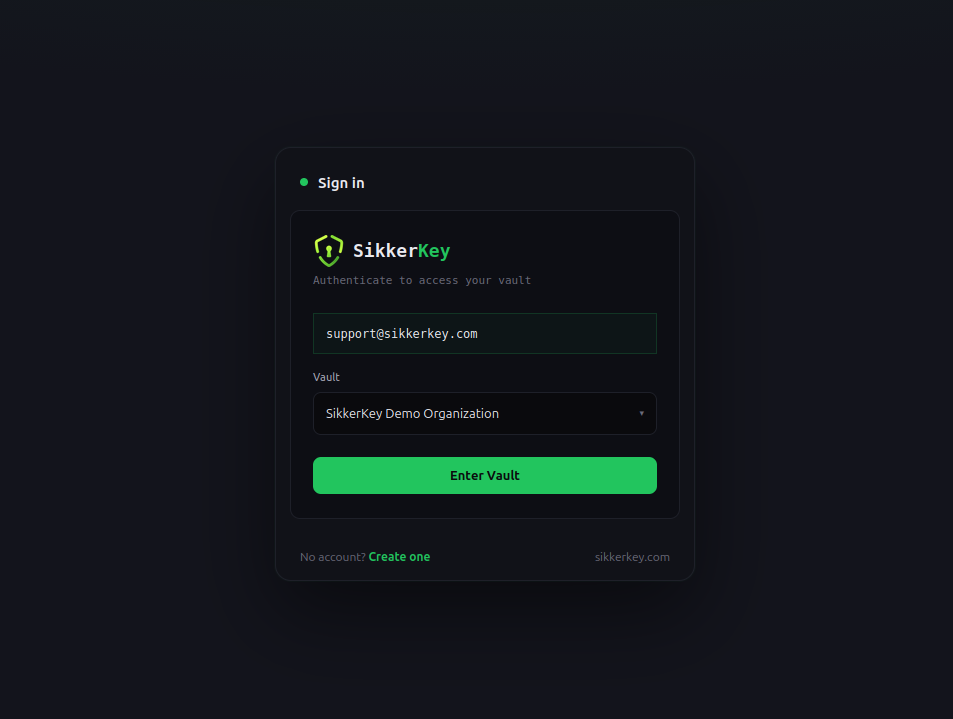
Members sign in with their own SikkerKey credentials and pick which vault to act inside for the session, whether that's their personal vault or any organization they're a member of. Switching vaults is two clicks. Owners never see members' passwords or 2FA factors, and members never share credentials to act on your vault.
Audit attribution
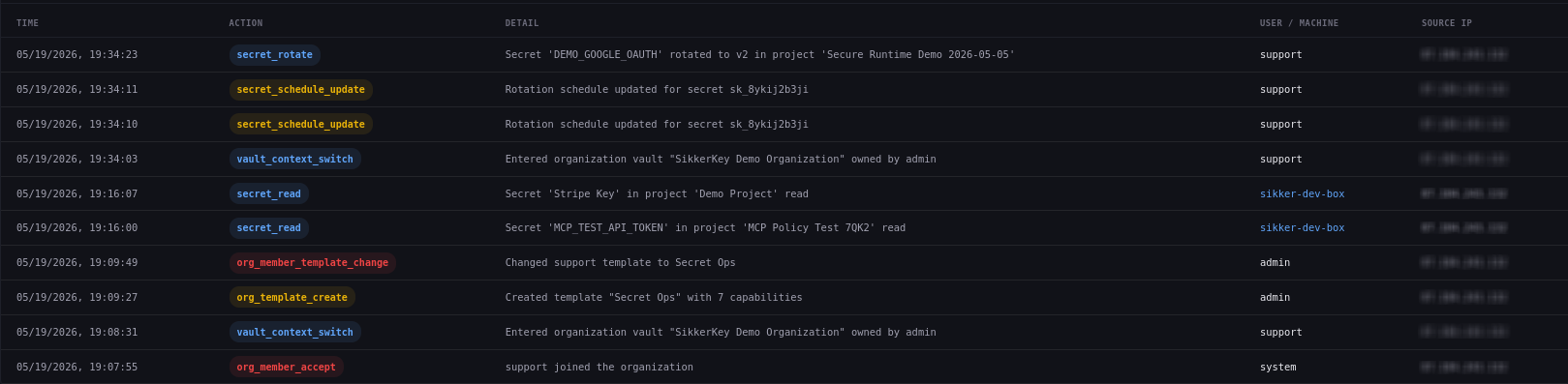
When a member reads a secret, edits a policy, or invites a teammate, the audit log records it with their username. Members with Audit log: View see their own actions only. Audit log: View others expands the view to every actor in the vault, including other members, machines, and AI agents, so an owner gets a single trail of who did what across the org.
Managing members
Invite teammates by email. The recipient must already have a SikkerKey account, and the response never reveals whether they do, so your dashboard can't be used to enumerate customers. Suspension cuts the member's session immediately and bars them from the vault until you unsuspend; their audit entries stay intact. Removal drops the membership. A member who wants to leave on their own opens Settings → Leave organization from inside your vault.

More for organizations
Other features for teams sharing a vault.
Email invitations
Invite teammates by email and pre-assign a vault role. Their access role is set after they join. Invites expire after seven days.
Delegated administration
Admins can manage members and assign roles below their own. An access role can only grant access its author already holds.
Self-service leave
Members can end their own membership from Settings → Leave organization inside your vault. Their personal vault and SikkerKey account remain in place; your roster updates in real time.
Plan-based member limits
Plans cap the number of members per organization. The cap is enforced at invite-send time with a clear error pointing at your billing page.
Real-time propagation
Role changes resolve on the next request. Suspensions and removals take effect immediately.
Trust separation
Dashboard membership decides what humans can do in the editor. Machine identity decides what workloads can read at runtime. The two planes are deliberately independent.
Convert your vault to an organization
Invite your team, assign roles, and attribute every action by username. No credit card required.
Start for Free