Your vault keeps receipts.
See every secret read, permission change, and machine authentication the moment it lands. Filter by action, severity, source IP, or time range, and export to CSV. Set up email alerts or webhooks for any event. Lock the vault to specific networks with IP allowlisting.
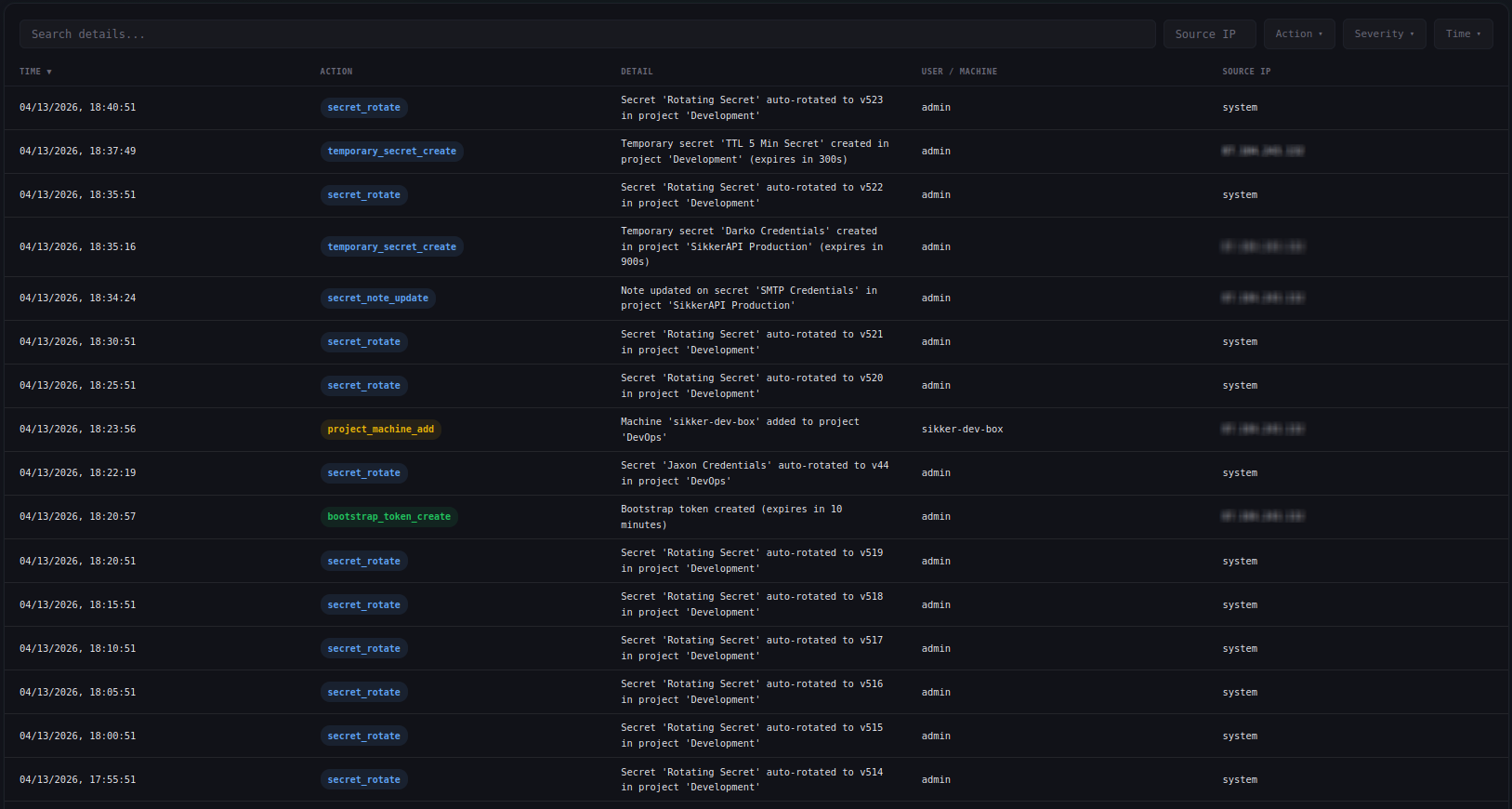
Severity-tagged from the start
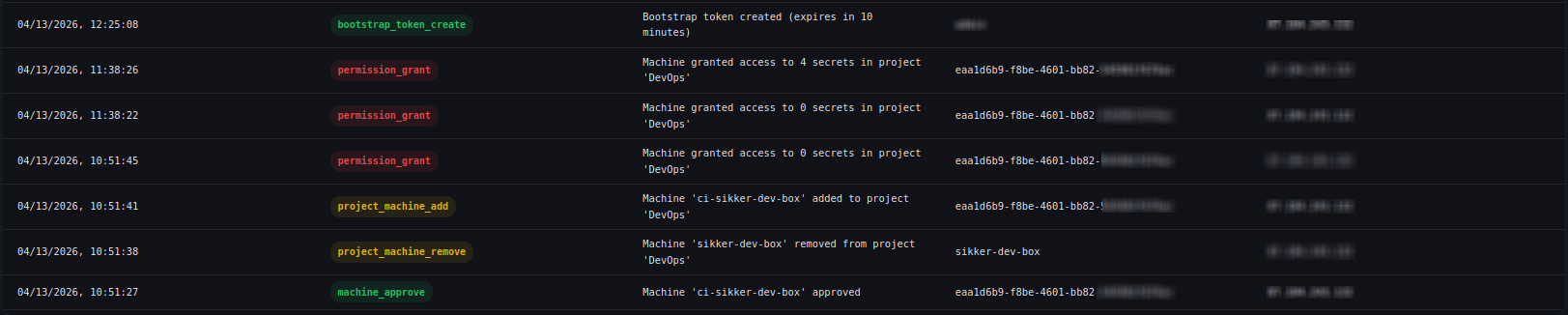
Every audit entry carries a severity level. Filter by severity alongside action, source IP, or time, and fire email alerts only on the levels you want to hear about.
Email alerts and signed webhooks
Configure per-action email alerts from the dashboard. Toggle exactly which actions trigger a notification. When a critical event fires, you get an email with the action, detail, source IP, and timestamp, before the attacker knows you noticed.
For automated workflows, set up webhooks that deliver signed JSON payloads to your own HTTP endpoints. Each delivery is signed with HMAC-SHA256 so you can verify authenticity. Subscribe to exactly the events you need and integrate with Slack, PagerDuty, or your own tooling.
Docs →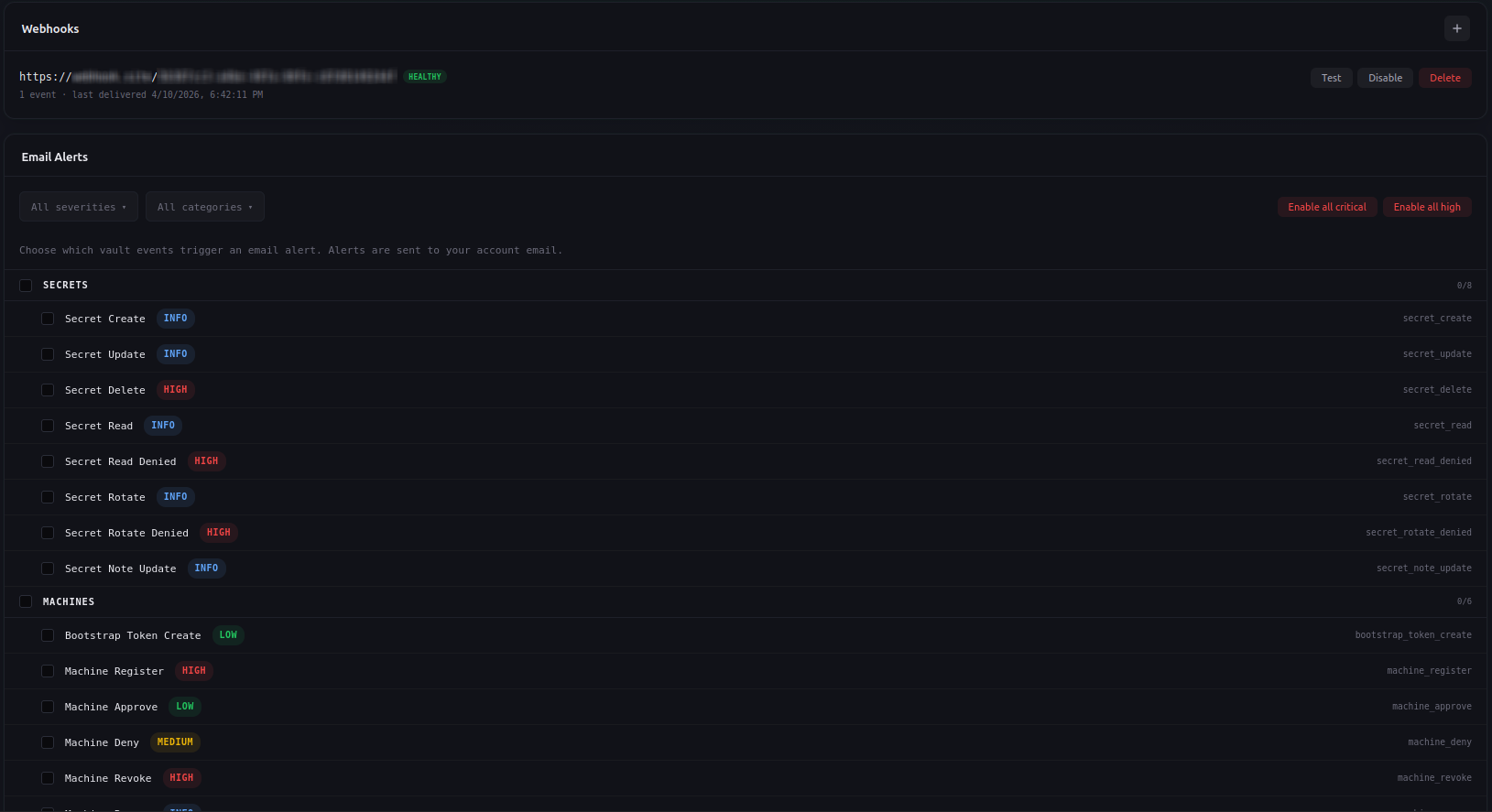
Live updates without refreshing
Audit events stream to your dashboard in real time via server-sent events. See a secret read the moment it happens. Watch machine registrations appear as they come in. The overview page shows a live activity feed with warning highlights for denied reads and auth failures.
Docs →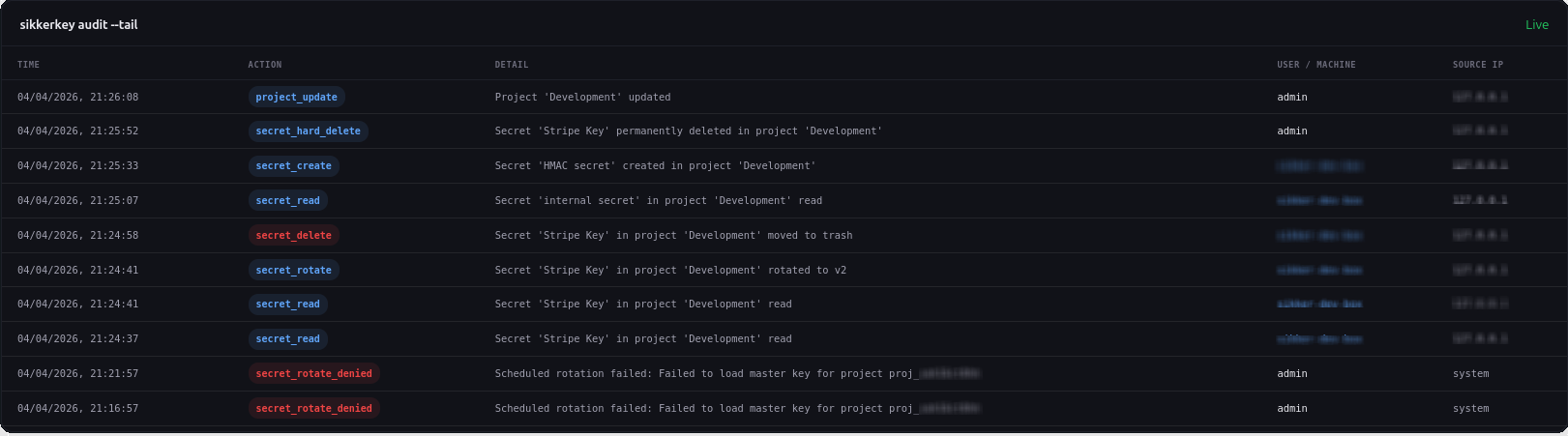
Export everything
Download the full audit log as CSV. Filter first, then export the exact records you need for compliance reviews, incident investigations, or regulatory reporting. Every field comes through: timestamp, action, severity, source IP, machine ID, secret ID, and detail.
Docs →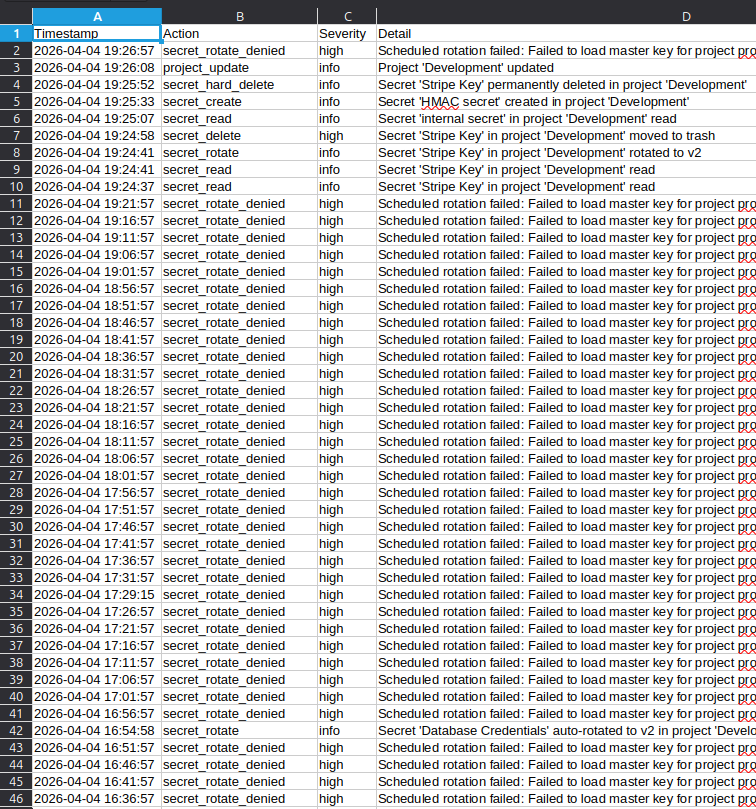
Lock your vault to your network
Restrict machine access to specific IP addresses or CIDR ranges. Requests from IPs outside the list are rejected before authentication even runs, and the response is a generic denial that reveals nothing about the vault.
Define allowed networks in the dashboard. Add individual IPs, CIDR ranges, or both, with IPv4 and IPv6 support. Every change to the allowlist is recorded in the audit log.
Docs →
Built for accountability
Who did what, from where, and when.
Full attribution
Every entry records who did what: user ID, machine ID, source IP, and a human-readable detail string. Nothing happens anonymously.
Filterable log
Filter by action, severity, source IP, time range, or search by keyword. Find the exact event you're looking for without scrolling.
Plan-based retention
Audit log retention scales with your plan, from a short window on the free tier to extended retention for compliance on higher tiers. Higher-severity security events are kept longer.
Machine-attributed reads
Every secret read records which machine accessed it, from which IP, at what time. Trace exactly which machine is pulling which secret.
Reads over time
Charts of secret read volume per project over time. Spot anomalies and unexpected access at a glance.
Tamper-resistant
Audit entries are append-only. Users cannot edit or delete their own audit log. The trail is authoritative.
Stop guessing who accessed what.
Reads, changes, and machine activity, all logged and attributed. Start for free.
Start for Free